
The best navigation tool isn’t the one with the most features, but the one whose failure points you can reliably manage during an adventure.
- Smartphones offer superior route planning flexibility and app ecosystems but are critically vulnerable to vibration, weather, and data dependency.
- Dedicated GPS units provide unmatched durability, offline reliability, and glove-friendly operation, but their software and route planning can be less intuitive.
Recommendation: For remote or multi-day rugged tours, a dedicated GPS is the more resilient choice. For urban-centric trips and casual day rides in areas with good cell coverage, a properly outfitted smartphone is a powerful and sufficient tool.
The debate is a modern classic for any adventure rider: mount the smartphone you already own or invest in a dedicated, motorcycle-specific GPS unit? At first glance, it seems like a simple cost-benefit analysis. Your phone has maps, music, and a camera, all in one sleek package. A dedicated GPS like a Garmin or a TomTom seems redundant, a single-purpose tool in a multi-purpose world. However, this surface-level comparison misses the fundamental point. The choice isn’t just about hardware; it’s about adopting a navigation philosophy.
As Jack O’Connor, Director of the Pine Barrens Adventure Camp Riding School, astutely puts it:
A motorcycle GPS is about control. With Google Maps or your car’s GPS, we tell the device where we want to go, and it tells us how to get there.
– Jack O’Connor, Pine Barrens Adventure Camp Riding School Director
This idea of “control” is the core of the discussion. It’s about resilience when things go wrong, workflow efficiency from planning to execution, and managing your own cognitive load so you can focus on the ride. The common arguments—GPS is tougher, the phone is more versatile—are just the beginning. The real differentiators lie in the nuances of how these systems perform under stress: in the pouring rain, on a washboard road miles from a cell tower, or when you need to reroute on the fly through a complex city.
This guide moves beyond the feature checklists to dissect the underlying workflows, critical failure points, and safety implications of each system. By analyzing how they function in real-world adventure scenarios, we’ll provide an objective framework to help you decide which navigation philosophy—and which device—truly aligns with the way you ride.
To make an informed decision, it’s essential to break down the key operational differences between these two navigation philosophies. This article explores the critical aspects, from off-grid reliability to on-road safety, providing a comprehensive comparison.
Summary: Smartphone vs. Dedicated GPS for Adventure Touring
- How to Navigate When You Lose Cell Service in the Mountains?
- How to Plan a Custom Route on Desktop and Transfer it to Your Bike?
- Vibration Dampeners: Why Your Phone Camera Dies on the Handlebars?
- USB vs SAE: How to Wire the Solenoid for Instant Switching?
- Audio vs Visual Cues: Which is Safer for Navigation in Traffic?
- When to Detour: Is Adding 3 Miles Worth Avoiding 10 Minutes of Traffic?
- The Charging Desert: How to Plan a Trip When Chargers Are 80 Miles Apart?
- Solo vs Group Touring: Which Style Fits Your Personality and Patience?
How to Navigate When You Lose Cell Service in the Mountains?
The moment you lose cell signal in a remote area is the first true test of any navigation system. For a smartphone relying on apps like Google Maps or Waze, this can be a critical failure point if you haven’t prepared. While these apps offer some offline functionality, it’s often limited and requires you to proactively download specific map areas beforehand. A dedicated GPS, by contrast, is built for this exact scenario. Its entire map database is stored internally, meaning its core function is completely independent of cellular data. Your position is determined solely by satellite signals, which are available globally.
However, a well-prepared smartphone can be just as effective. Apps like Kurviger, Calimoto, and Scenic are designed for motorcyclists and feature robust offline map capabilities. The key is shifting your mindset from “on-demand” data to pre-trip preparation. This involves downloading detailed vector maps (which are smaller in file size) or raster tiles (which offer more detail, like satellite imagery) for your entire intended region. Once the maps are on your device, you can put the phone in airplane mode to conserve battery while the GPS chip continues to track your location. This setup effectively mimics the function of a dedicated GPS.
Ultimately, reliability in the mountains comes down to preparation, not the device itself. A dedicated GPS forces this preparation by its very nature, while a smartphone requires the rider to be disciplined in their planning. Failing to download offline maps on a phone before heading into the backcountry is the modern equivalent of forgetting to bring a paper map. Both are failures of planning, not necessarily of the tool itself.
Regardless of your device choice, true off-grid confidence comes from having a multi-layered system that includes a primary electronic navigator, a power plan, and a non-electronic backup.
How to Plan a Custom Route on Desktop and Transfer it to Your Bike?
One of the most significant advantages of the smartphone ecosystem is the seamless integration between desktop planning and mobile execution. A dedicated GPS often requires a more traditional, and sometimes clunky, workflow. This is where the “navigation philosophy” truly begins to diverge. With a smartphone, you can use a web-based planner like Kurviger or Rever on your laptop to meticulously craft a route, searching for the twistiest roads and adding custom waypoints. Once saved, that route instantly syncs via the cloud to the app on your phone. By the time you get to your bike, the route is ready to go. This fluid, cloud-based ecosystem is a major win for convenience.
This paragraph introduces the complex concept of route planning. To better understand this, it is helpful to visualize the process with a rider at their desk. The illustration below breaks down this preparatory phase.
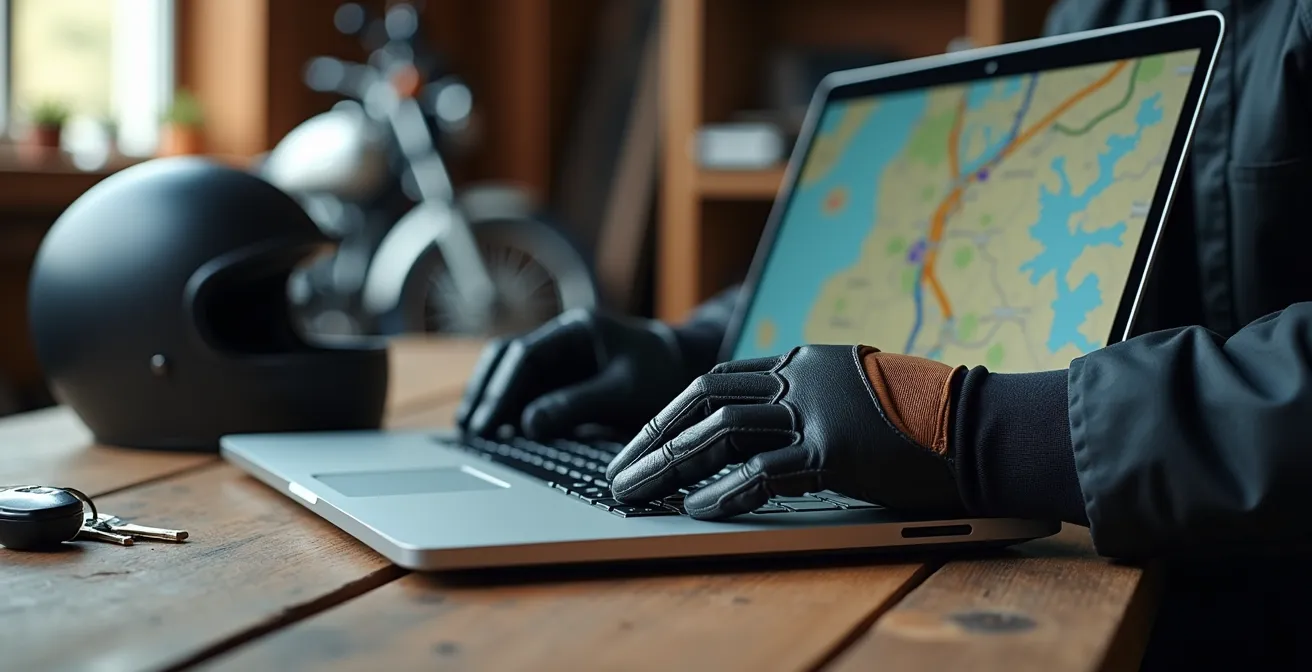
Conversely, dedicated GPS units, particularly older Garmin models, often rely on desktop software like Garmin BaseCamp. This powerful but notoriously unintuitive program requires you to connect your GPS to the computer via a USB cable to manually transfer the GPX files. While this method is extremely reliable and gives you granular control, it lacks the immediacy of cloud syncing. Newer GPS units are adopting Wi-Fi and app-based transfer, but the smartphone ecosystem is generally years ahead in user experience. The following table provides a clear comparison of popular platforms.
| Platform | Desktop Planning | Mobile Sync | Route Customization |
|---|---|---|---|
| Kurviger | Web-based planner | Instant cloud sync | Twisty road algorithms |
| Garmin BaseCamp | Desktop software | Manual transfer | Traditional waypoints |
| Rever | Cloud ecosystem | Automatic sync | Social route sharing |
The choice here depends on your priorities. If you value a fast, modern workflow and plan routes frequently, the smartphone’s cloud-based system is hard to beat. If you prefer a robust, if dated, system that offers deep control and doesn’t rely on cloud services, the traditional GPS workflow remains a viable, albeit more deliberate, option.
This workflow difference is a major factor: the smartphone prioritizes ease of use and connectivity, while the dedicated GPS prioritizes offline, self-contained control.
Vibration Dampeners: Why Your Phone Camera Dies on the Handlebars?
Here lies the smartphone’s single greatest physical vulnerability: vibration. Modern phone cameras, particularly those in flagship models from Apple and Samsung, use a technology called Optical Image Stabilization (OIS). This system involves microscopic actuators and gyroscopes that physically move the lens to counteract handshake, producing clearer photos. Unfortunately, the high-frequency vibrations produced by a motorcycle engine, especially on V-twins and single-cylinders, are a death sentence for these delicate components. Mounting an unprotected iPhone to your handlebars is not a question of *if* the camera will fail, but *when*.
This isn’t a theoretical problem; it’s a well-documented hardware failure. Once the OIS mechanism is destroyed, the camera will be unable to focus, rendering it permanently blurry and useless. The solution is a high-quality, motorcycle-specific vibration dampening mount. Brands like Quad Lock and SP Connect have engineered mounts that use specially formulated elastomers to absorb these damaging frequencies before they reach the phone. This is a non-negotiable accessory if you plan to use a modern smartphone as your primary navigator.
Smartphone Camera Failure from Motorcycle Vibrations
A widespread analysis of rider reports showed complete optical image stabilization (OIS) failure after extended handlebar mounting. High-frequency engine vibrations destroy the microscopic actuators in modern phone cameras, particularly on V-twin and single-cylinder motorcycles. The only effective solution implemented by riders involved either using specialized vibration dampening mounts or dedicating a sacrificial older phone without OIS for navigation duties.
In contrast, dedicated GPS units are engineered from the ground up to withstand this environment. Their internal components are ruggedized, their screens are designed for impact resistance, and they carry IPX7 waterproof ratings, meaning they can be submerged in water. You can ride through a torrential downpour or on a corrugated dirt road with a Garmin Zumo XT without a second thought. To achieve this level of resilience with a smartphone, you need a combination of a waterproof case and a vibration-dampening mount, adding cost and bulk to the setup.
This is a clear win for the dedicated GPS. It is a purpose-built tool designed for the harshness of the environment, whereas a smartphone is a delicate instrument that must be carefully armored for the same duty.
USB vs SAE: How to Wire the Solenoid for Instant Switching?
Keeping your navigation device powered is critical, and how you deliver that power is a key part of your system’s resilience. The two most common power connectors on a motorcycle are the familiar USB port and the more robust, weatherproof SAE connector. A smartphone typically charges via USB, while most dedicated GPS units use a proprietary cradle wired directly to the bike’s battery, often through an SAE plug. While a simple USB port is convenient, it is a significant point of failure. It’s not waterproof, the connection can vibrate loose, and the thin cables are prone to damage.
A proper SAE connection, hard-wired to a fused distribution block, is a far more reliable solution. For ultimate control, this setup should be wired through a relay or solenoid connected to a switched power source (like the tail light circuit). This ensures that all your accessories, including your GPS and charging ports, automatically power off when you turn off the ignition, preventing any chance of draining the motorcycle’s battery. This is standard practice for wiring a dedicated GPS and a highly recommended upgrade for any rider using a smartphone.
This paragraph introduces the technical details of motorcycle wiring. The accompanying illustration provides a close-up look at the connections involved.
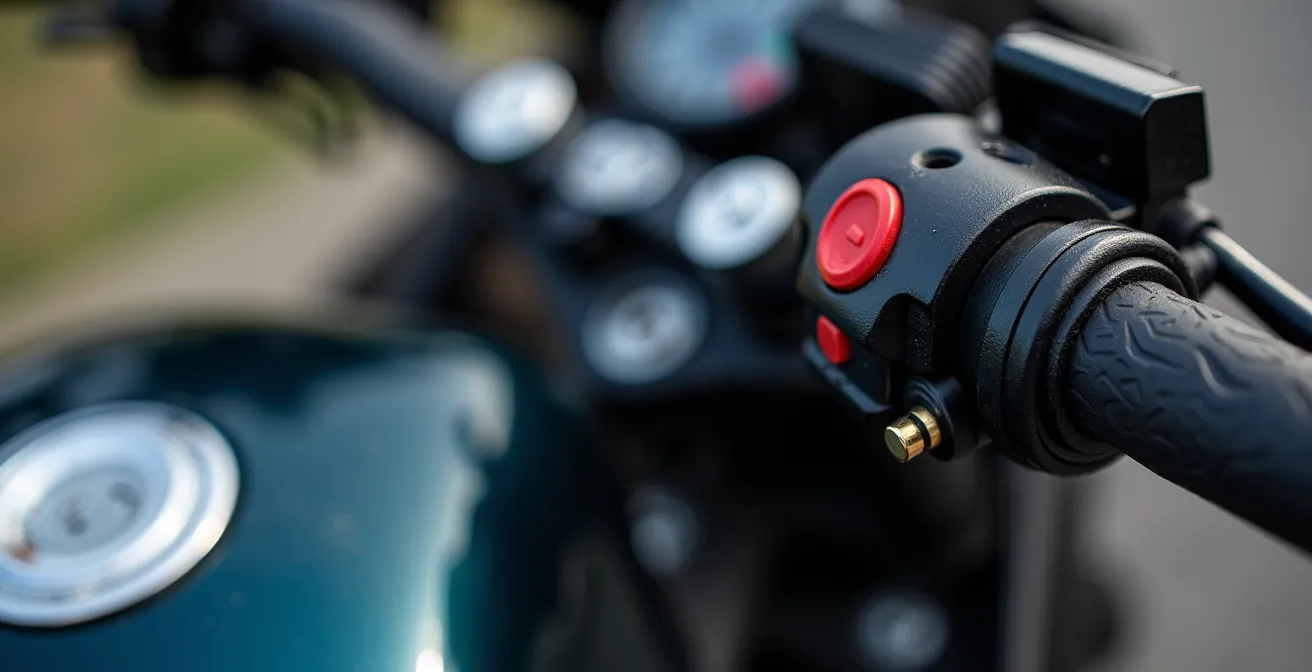
A robust power strategy is about more than just plugging in a cable; it requires a systematic approach to ensure reliability and protect your bike’s electrical system. Creating a stable power supply is a project in itself.
Your Action Plan: Motorcycle Power Wiring Installation
- Calculate total amperage draw of all electronics (GPS, phone, heated gear) to select the correct fuse and wire gauge.
- Choose between switched power (via a relay/solenoid tied to the ignition) for automatic shut-off or unswitched (direct to battery) for constant power.
- Install a fused SAE distribution block near the headstock to create a modular, weatherproof hub for multiple devices.
- Wire the relay to an ignition-switched source (e.g., license plate light wire) so that the entire accessory circuit powers down with the bike.
- Consider adding a voltage sensor or smart power manager to automatically cut power if the battery voltage drops, preventing accidental drainage.
Here, the best practice is universal. Whether you use a smartphone or a GPS, a hard-wired, switched, and fused SAE-based power system is the gold standard for reliability on an adventure bike.
Audio vs Visual Cues: Which is Safer for Navigation in Traffic?
How a navigation device communicates with you is just as important as the route it displays. Relying solely on a visual map display in dense traffic or on a technical road divides your attention, forcing you to look down at a screen instead of up at the road. This is a significant safety concern, as a split-second of inattention can be disastrous. The goal is to minimize this cognitive load, and the most effective way to do that is by prioritizing audio cues over visual ones. This is where a Bluetooth-enabled helmet communication system becomes an essential part of your navigation setup, regardless of which screen you are using.
Both smartphones and dedicated GPS units can pair with helmet communicators to deliver turn-by-turn voice prompts. The key difference is often in the software’s intelligence. A dedicated GPS is designed to give clear, concise commands like “In 200 feet, turn right.” Many smartphone apps, especially music or podcast apps running in the background, can clutter the audio channel. However, motorcycle-specific apps and even Google Maps have settings to prioritize navigation prompts, temporarily muting music at critical moments to create a “sterile cockpit” environment.
Cognitive Load Reduction in Motorcycle Navigation
Research confirms the safety benefits of audio-first navigation. A study cited by rider gear experts found that riders using audio-primary navigation showed 40% better hazard recognition compared to those relying mainly on visual map displays. Integrating a Bluetooth helmet system allowed navigation prompts to override music at key moments, freeing up significant cognitive resources for riders to focus on traffic awareness and road conditions.
The ideal, and safest, setup uses audio as the primary source of information, with the screen serving only as a secondary reference for quick glances during stops or for complex interchanges. You should be able to navigate 90% of your route without ever needing to look down. In this regard, both systems are equally capable, provided they are paired with a quality helmet communicator. The safety advantage doesn’t come from the device, but from the rider’s discipline in adopting an audio-first approach.
Ultimately, safety is not a feature of the device but a result of the rider’s technique. A screen-fixated rider is a hazard, whether they’re looking at a Garmin or an iPhone.
When to Detour: Is Adding 3 Miles Worth Avoiding 10 Minutes of Traffic?
The algorithm that powers your navigation is the “brain” of the operation, and different brains have different priorities. This is a crucial distinction between smartphone apps and dedicated GPS units. Apps like Google Maps and Waze are masters of real-time efficiency. They use live traffic data to dynamically reroute you, prioritizing the fastest possible arrival time. If adding three miles to your route will save you ten minutes of sitting in a traffic jam, they will almost always suggest the detour. This is ideal for urban commuting or getting through a congested area as quickly as possible.
However, adventure touring is often the antithesis of efficiency. The goal is not to find the fastest route, but the best one. This is where motorcycle-specific apps like Scenic and Kurviger, and the routing engines in Garmin devices, shine. Their algorithms are tuned to prioritize different metrics: road curviness, elevation changes, and avoidance of major highways. A Garmin running “Adventurous Routing” might deliberately guide you onto a slower, twistier backroad that Google Maps would ignore. This is a fundamentally different navigation philosophy: journey over destination.
The table below compares the focus of these different algorithm types.
| Navigation Type | Algorithm Focus | Best Use Case | Data Requirements |
|---|---|---|---|
| Google/Waze | Real-time efficiency | Urban commuting | Constant data connection |
| Scenic/Kurviger | Scenic & curvy roads | Adventure touring | Offline maps available |
| Garmin Adventure | Historical patterns | Remote exploration | Pre-loaded maps |
This highlights the smartphone’s dual nature. You can use Google Maps to escape a city efficiently, then switch to Kurviger for a scenic backroad adventure, all on the same device. A dedicated GPS is more focused on the “adventure” algorithm, which is excellent for its intended purpose but less adept at navigating real-time urban traffic. The smartphone’s versatility gives it an edge here, allowing the rider to choose the right algorithm for the immediate situation.
Your choice of algorithm directly reflects your goal for that segment of the ride: are you trying to get there, or are you trying to *get there*?
Key Takeaways
- Vibration is the number one enemy of a modern smartphone on a motorcycle; a dampening mount is non-negotiable.
- Offline capability is the foundation of remote navigation. A dedicated GPS has it by default; a smartphone requires disciplined pre-planning.
- The choice is a philosophy: the smartphone offers connected convenience and versatility, while the dedicated GPS provides purpose-built resilience and control.
The Charging Desert: How to Plan a Trip When Chargers Are 80 Miles Apart?
For any multi-day tour, power management becomes as critical as fuel management. A “charging desert” is any leg of your journey where access to wall outlets is uncertain or non-existent, forcing you to be entirely self-sufficient. This is where you must analyze the power consumption and battery capacity of your entire electronic ecosystem. A smartphone, with its large, bright screen and background processes, is significantly more power-hungry than a dedicated GPS. Left unmanaged, a phone running a navigation app can drain its battery in just a few hours.
A dedicated GPS, like a Garmin Zumo, often has a smaller internal battery but is designed for hyper-efficient power use. More importantly, many models feature an “expedition mode” that can extend battery life to over 18 hours by reducing screen brightness and GPS polling rates. While a smartphone has a “low power mode,” it’s a blunt instrument that can also degrade navigation performance. This is a clear advantage for the dedicated device in long-range, off-grid scenarios. This need for reliable off-grid power is reflected in user behavior, where over 250,000 app downloads for motorcycle-specific navigation were recorded in 2024, highlighting the demand for data-independent solutions.
This paragraph introduces the challenge of off-grid power. The accompanying image showcases a practical solution for remote charging.
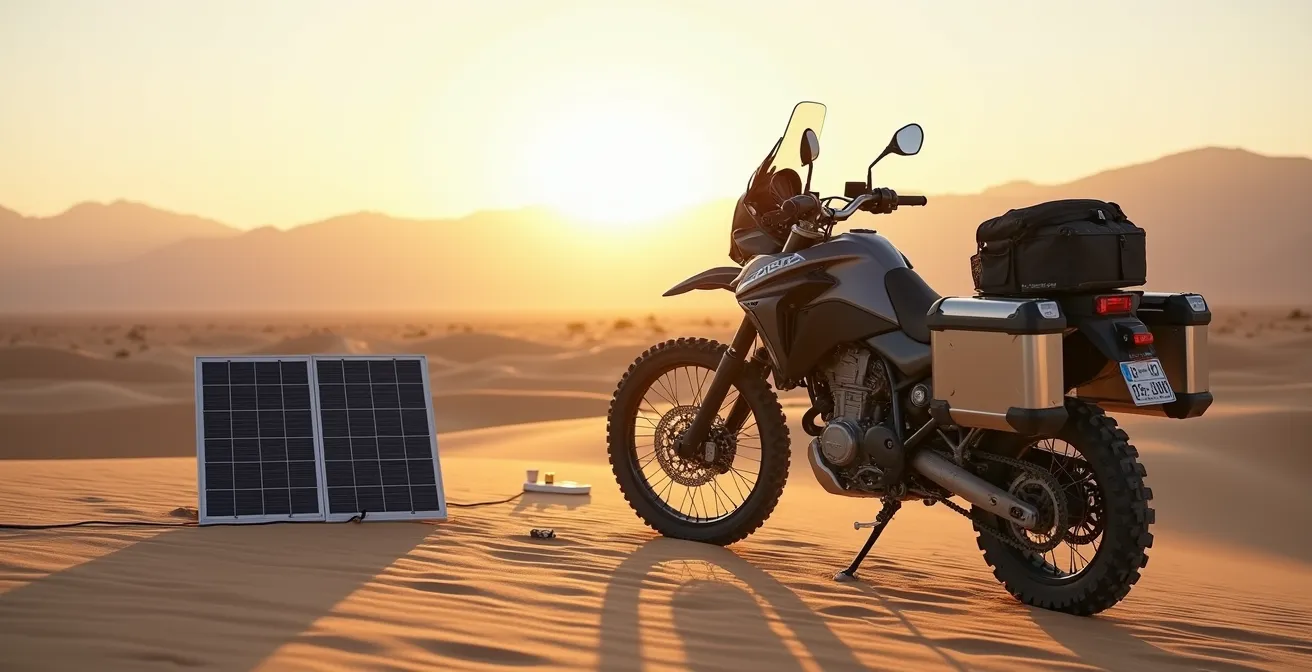
Regardless of your primary device, a robust power strategy is essential. This includes:
- Carrying a high-capacity power bank (minimum 10,000-20,000 mAh) capable of fully charging your devices multiple times.
- Ensuring your motorcycle’s charging system is up to the task, potentially upgrading the stator for higher electrical output if you’re running heated gear and other accessories.
- For extreme remote travel, considering a portable solar panel to trickle-charge your power bank during rest stops.
A dedicated GPS simplifies this equation due to its lower power draw, but a well-managed smartphone setup with an adequate power bank can be equally effective.
Your device’s battery life is only one part of the equation; your ability to recharge it in the wild is what truly determines your electronic endurance.
Solo vs Group Touring: Which Style Fits Your Personality and Patience?
Your choice of navigation technology has implications beyond your own handlebars, especially when riding in a group. The challenge of group navigation is keeping everyone on the same page, on the same route, and safely together. This is where the ecosystems built around navigation devices become a major factor. A group of riders all using disparate systems—one on Google Maps, one on a TomTom, one on a pre-planned GPX in Kurviger—is a recipe for confusion. Each device’s algorithm will make slightly different choices, leading to missed turns and separations.
This is an area where the dedicated GPS ecosystem, particularly Garmin’s, offers a powerful advantage with features like GroupRide. This allows a small group of riders with compatible Garmin devices to see each other’s positions on their maps in real-time, completely independent of cell service. It creates a private, bike-to-bike network that is invaluable for keeping a group cohesive in remote areas. A successful implementation can dramatically improve group safety, as one touring company found.
Group Navigation System Standardization Success
In a practical analysis of group ride dynamics, adventure touring groups that standardized on a single navigation platform (Garmin GroupRide) reported 60% fewer separation incidents compared to mixed-system groups. A designated navigation captain with a dedicated GPS managed route changes for the group, while satellite messengers like the Garmin inReach provided an essential safety net for solo rider emergencies.
The smartphone world is catching up with apps like Rever offering social tracking features, but these are almost always dependent on a constant cellular data connection for all riders, making them unreliable in the backcountry. For the solo rider, this is a non-issue. Your personal preference for app flexibility or device ruggedness can be the deciding factor. But for a rider who frequently leads or participates in group tours, the ability to standardize on a single, reliable, off-grid platform can be the most compelling reason to invest in a dedicated GPS system.
Ultimately, the best tool is the one that aligns with your touring personality. Assess your tolerance for risk, your need for control, and the typical environment of your rides. The answer of which device is better lies not on a store shelf, but in an honest evaluation of the adventurer you are.
Frequently Asked Questions on Smartphone vs. GPS for Touring
How do I calculate fuel cost for longer scenic detours?
Factor in the increased distance, significant elevation changes, and variations in speed. As a rule of thumb, aggressive riding on mountain detours can consume 15-20% more fuel than maintaining a steady speed on a comparable highway alternative.
When should I trust the algorithm over local knowledge?
Real-time traffic algorithms (like Google/Waze) excel in complex urban environments where conditions change by the minute. However, for rural road conditions, seasonal closures, or unpaved track quality, the knowledge of local riders or recent ride reports will almost always be more reliable than an algorithm.
What makes a detour become the intended route?
This is a core element of the adventure touring mindset. A detour is treated as an opportunity for discovery, not a delay. When the quality of the journey—the scenery, the road’s curves, the experience—matters more than the efficiency of the arrival time, any detour can become the new, preferred route.